
WWFT compliance, straight from HubSpot
Cloudpliant connects to your HubSpot CRM and screens contacts and companies automatically as they appear or change. On a match, you know right away.
What the integration does
Automatic synchronisation
Through webhooks, Cloudpliant follows your HubSpot portal: new and changed contacts and companies are picked up instantly. No manual entry, no exports.
Checks without lifting a finger
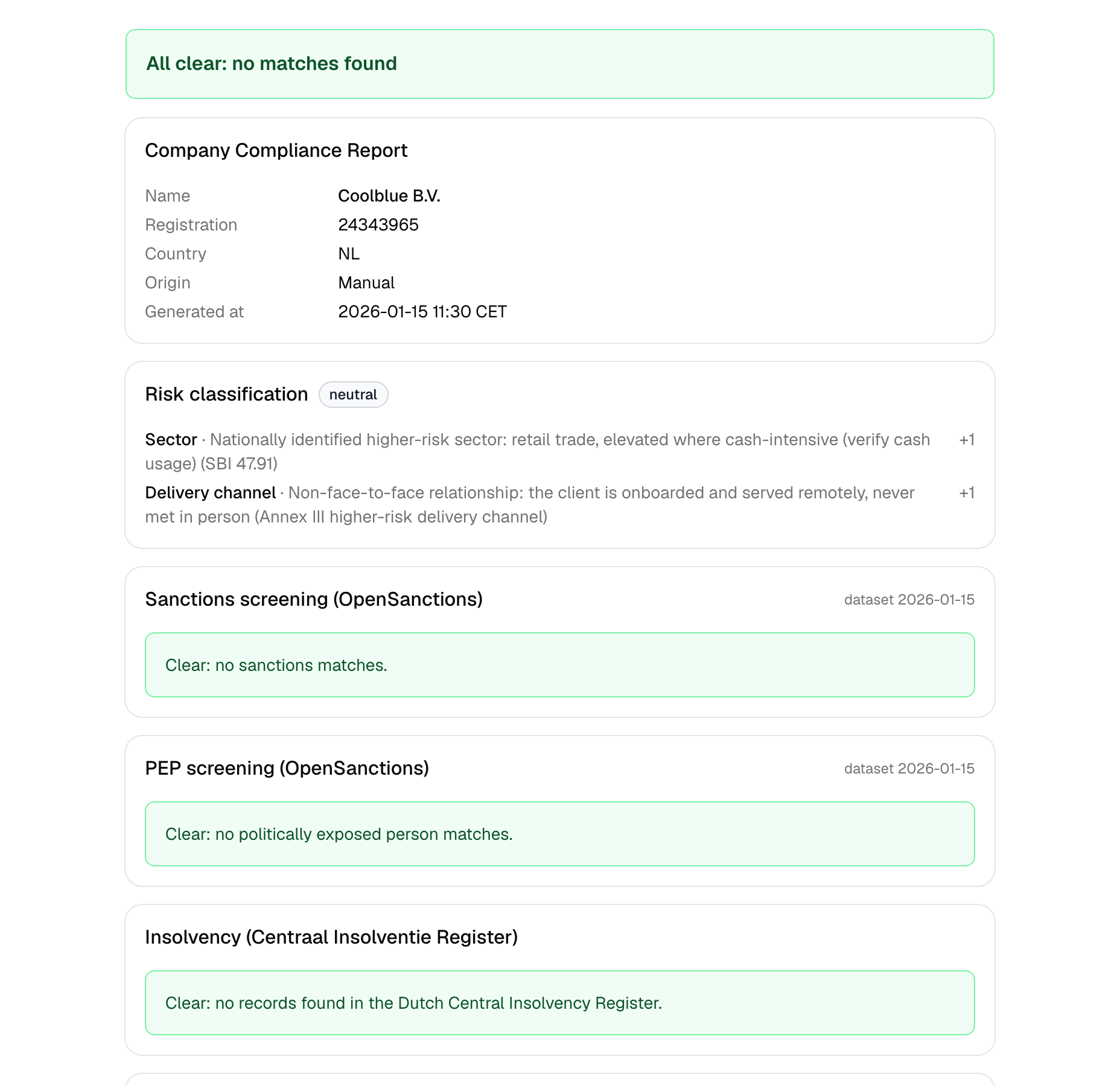
Every contact and company is automatically screened for sanctions and PEP status via OpenSanctions; Dutch companies are enriched with KvK data and a CIR insolvency check.
Instant alert on a match
When a check produces a match, you immediately receive an email with a link to the full report, so you can review and record it right away.
How to connect HubSpot
- 1Create a Cloudpliant account or sign in.
- 2Go to Connections and choose HubSpot.
- 3Sign in to HubSpot and grant Cloudpliant access to your portal.
- 4Done. New and changed contacts and companies are checked automatically from now on.