
WWFT compliance, straight from Yuki
Cloudpliant connects to your Yuki domain and screens the relations in your administration automatically as they appear or change. On a match, you know right away.
What the integration does
Automatic synchronisation
Cloudpliant follows your Yuki domain and picks up new and changed relations every hour. We read only your relations, never your bookkeeping or invoices. One API key is all it takes.
Checks without lifting a finger
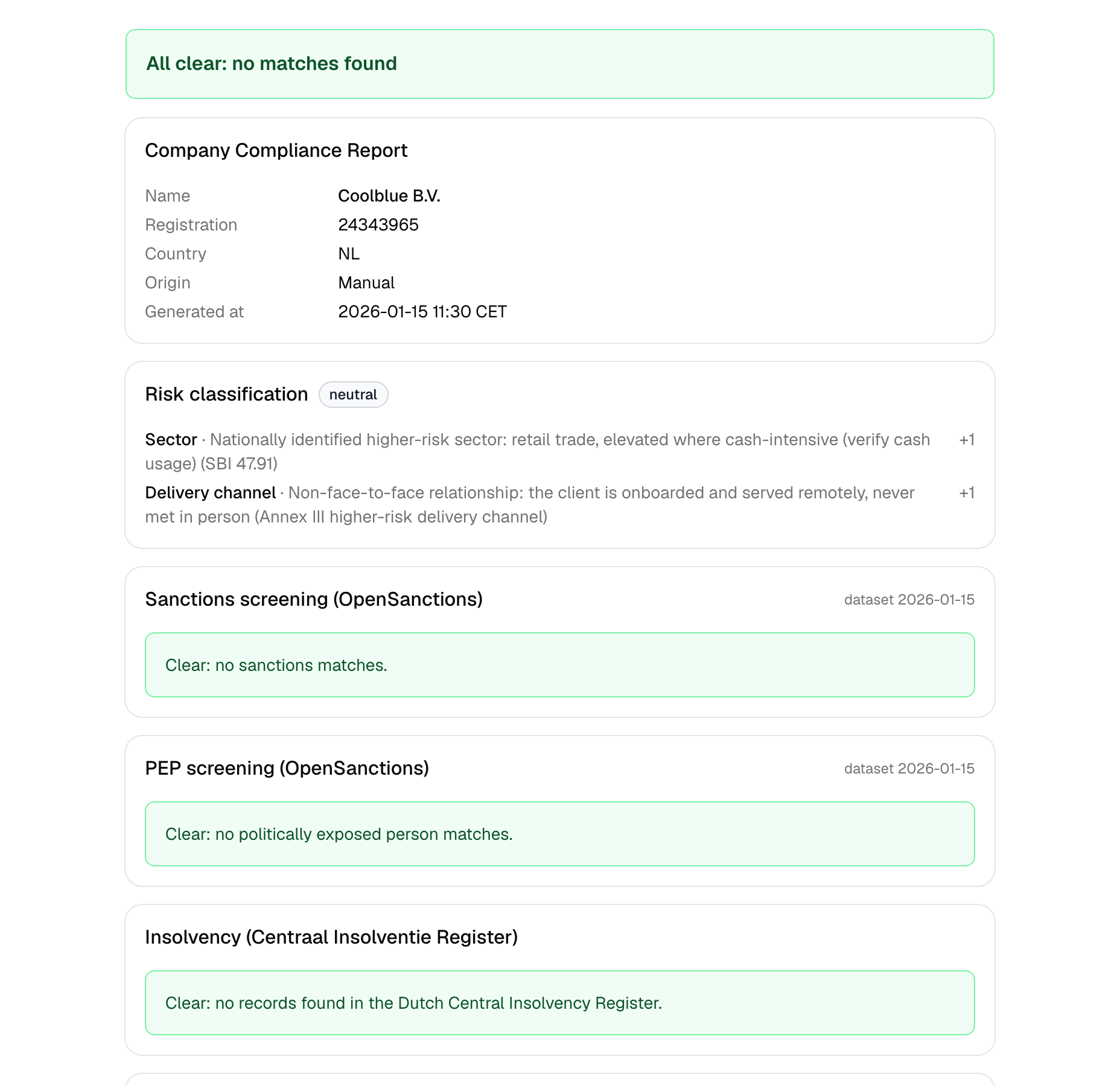
Every relation is automatically screened for sanctions and PEP status via OpenSanctions; Dutch companies are enriched with KvK data and a CIR insolvency check.
Instant alert on a match
When a check produces a match, you immediately receive an email with a link to the full report, so you can review and record it right away.
How to connect Yuki
- 1Create a Cloudpliant account or sign in.
- 2In Yuki, create a webservice API key: Settings, then Webservices.
- 3Go to Connections in Cloudpliant, choose Yuki and paste the key. Your domain is detected automatically.
- 4Done. Start the import; new and changed relations are checked automatically from now on.